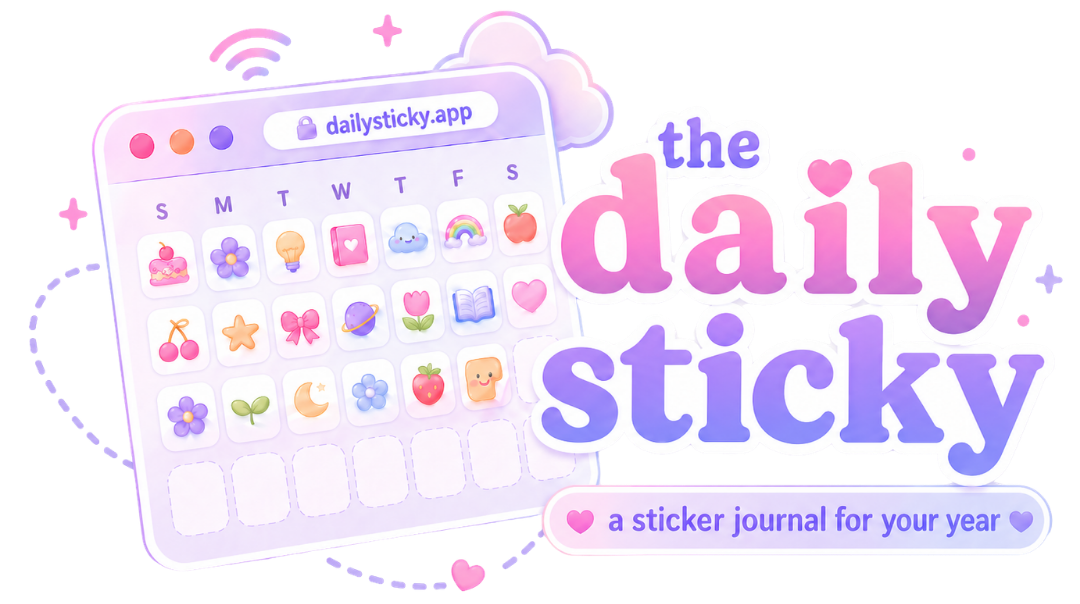
Daily Sticky is simple on purpose: pick one sticker for your day, add a tiny note if you want, and watch your year fill up one little memory at a time.
But there are two extra features you should know about: Weekly Recap and Export/Import.
Share your Weekly Recap
Your Weekly Recap turns your last seven days of stickers into a cute shareable image called My Week in Stickers. It shows your week’s date range, each day of the week, and the stickers you picked.
Tap the Share button to send your recap. If your device supports image sharing, Daily Sticky will open your share sheet with the recap image and a link to the app. If not, it can still share the link or download the image.
Save your sticker journal with Export/Import
Daily Sticky saves your stickers and notes locally on your device. That keeps things simple and private, but it also means backing up your data is a good idea.
Use Export to download your sticker journal data as a JSON file. Use Import to upload that file later and restore your stickers and notes.
Basically: share the cute stuff, save the important stuff.