Daily Sticky is simple on purpose: pick one sticker for your day, add a tiny note if you want, and watch your year fill up one little memory at a time.
But once you’ve got some stickers logged, you’ll probably want to show them off. Here are three ways to share your sticker journal: a week at a time, a month at a time, or the whole year.
Share your Weekly Recap
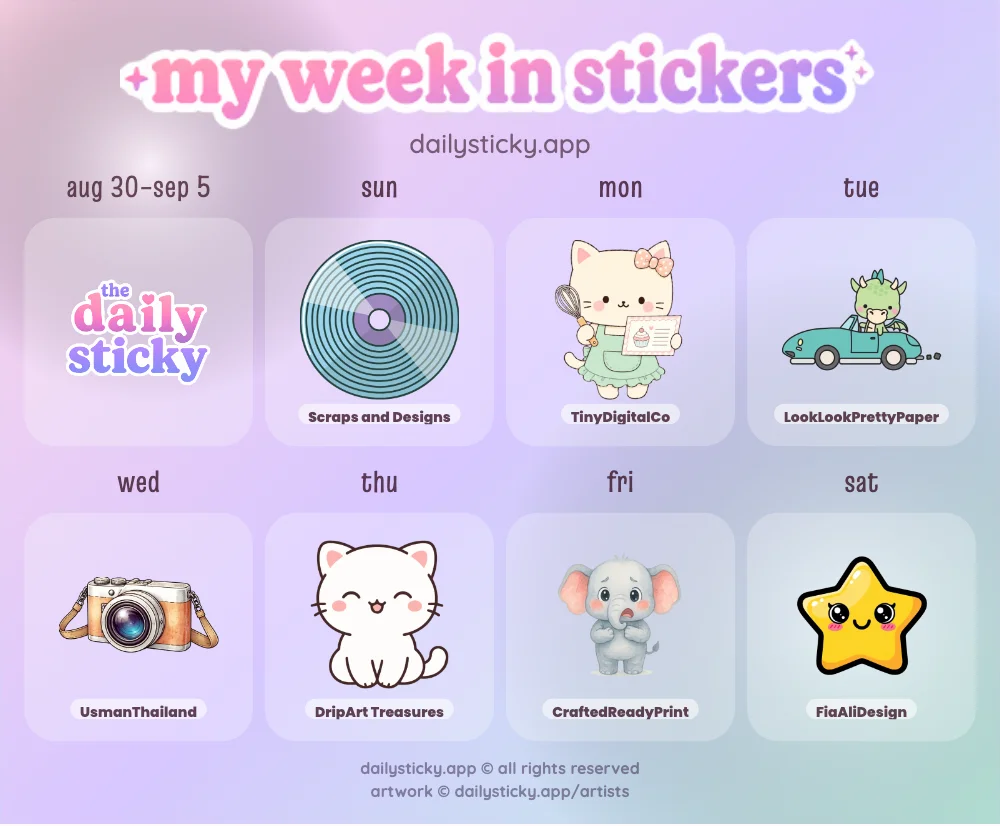
Your Weekly Recap turns your last seven days of stickers into a cute shareable image called My Week in Stickers. It shows your week’s date range, each day of the week, and the stickers you picked.
Tap the Share button to send your recap. If your device supports image sharing, Daily Sticky will open your share sheet with the recap image and a link to the app. If not, it can still share the link or download the image.
Download your Month in Stickers
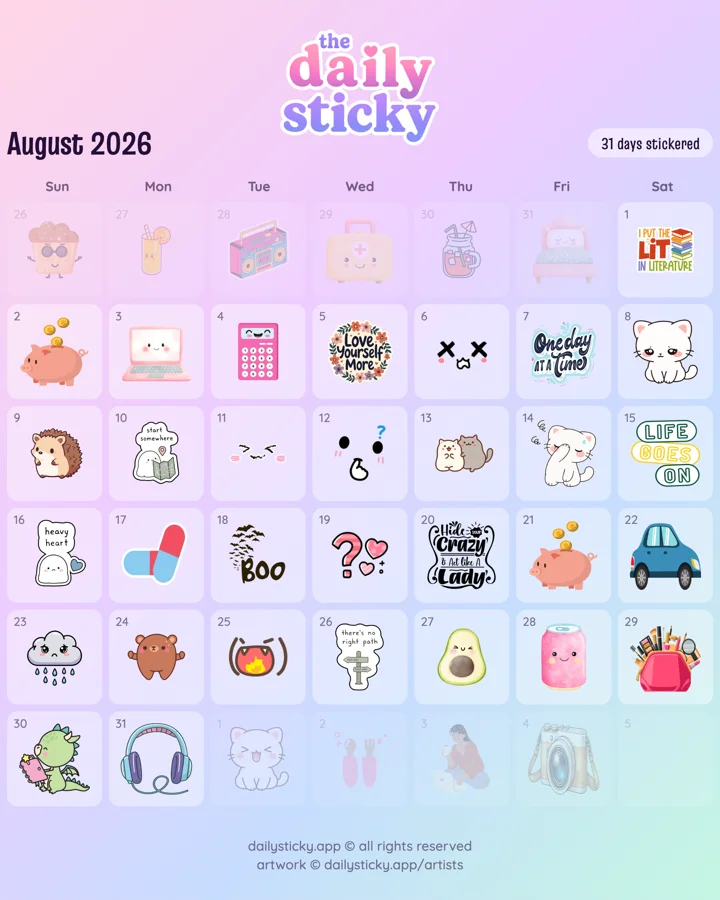
Tap the Month button above the calendar to preview that month as a shareable image. It lays out every day with the sticker you picked, plus the month name, year, and how many days you stickered.
When it looks right, tap Download Image to save a PNG straight to your device. From there you can post it, text it, or just keep it as a little monthly snapshot.
Download your Year in Stickers
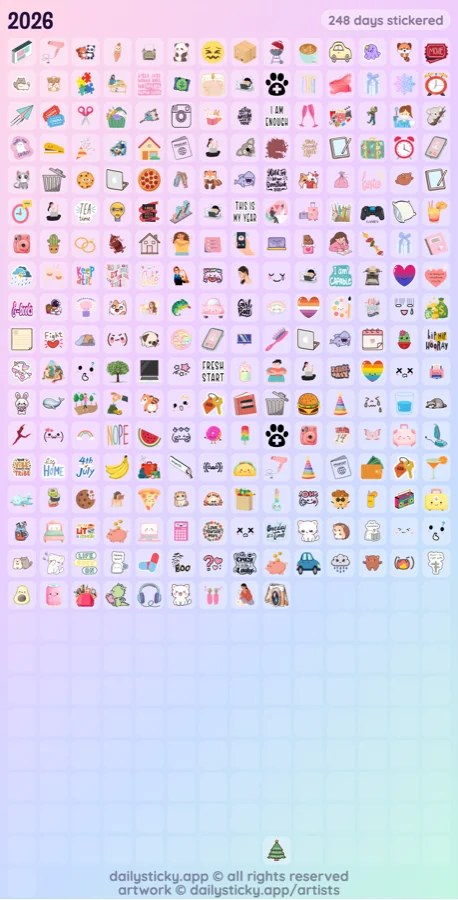
Switch to the Year view and tap the Year button for the big picture: every day of the year as one tiny square, filled in with a sticker wherever you logged one. It’s the sticker version of a year-in-pixels grid.
Same deal as the month image: preview it, then tap Download Image to save it. It’s a fun one to look back on as the year fills in.
Basically: your week for the quick catch-up, your month for the recap, and your year for the full picture.
Want to back up your stickers and notes instead of sharing them? Here’s how to export and import your sticker journal data.